![The best way to run macOS Tahoe and Golden Gate on the same Mac [Video]](/_next/image?url=https%3A%2F%2F9to5mac.com%2Fwp-content%2Fuploads%2Fsites%2F6%2F2026%2F06%2FmacOS-Tahoe-and-macOS-Golden-Gate-APFS-volumes.jpg%3Fquality%3D82%26%23038%3Bstrip%3Dall%26%23038%3Bw%3D1547&w=3840&q=75)
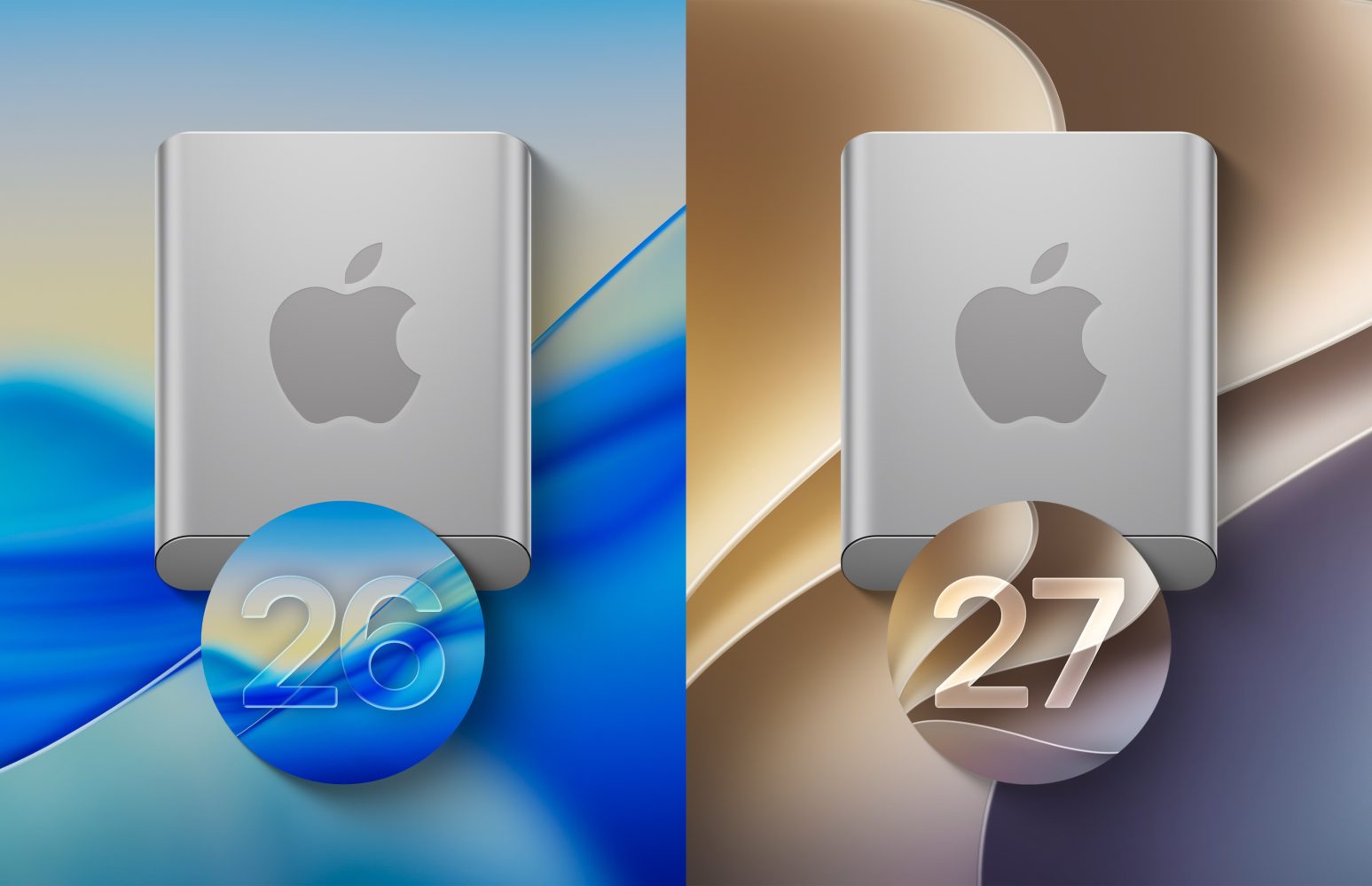
If you’re curious to try macOS Golden Gate while it’s still in beta, I highly recommend installing it on a separate APFS volume instead of your main volume. Installing macOS 27 on your main volume would replace macOS Tahoe, leaving you at the mercy of any bugs or compatibility issues that arise with the software and hardware you use.
Unlike iOS and iPadOS betas, macOS betas can pose a greater risk due to the complexity of macOS, which includes support for legacy software and hardware. I’ve been burned too many times in the past with hardware and software that didn’t work properly for months until the inevitable updates came after the public version was released later that fall. In my opinion, it’s just not worth it.
The good news is, thanks to APFS, you can easily create a separate volume and silo the macOS Golden Gate beta installation away from your production Tahoe volume. This allows you to test the macOS beta in full while retaining the stability and reliability of the current public release. Watch our full hands-on video walkthrough for a complete step-by-step guide, and be sure to subscribe to 9to5Mac on YouTube for more macOS tutorials.
United States
NORTH AMERICA
Related News

🚀 I Built a Dropshipping Automation Pipeline — Here's What I Learned (and What I'd Do Differently)
11h ago
How I Cut My LLM API Bill by 40x: A Freelancer's Migration Story
11h ago

Mattress Firm Coupons: Save up to $600
3h ago

Google Ordered to Pay $2 Billion For Anti-Competitive Practices By Swedish Court
20h ago
The Censorship Wall: Why Every AI Companion App Ends Up Filtering You
20h ago