
Hood Warfare Android Access: Checking the Official Beta APK Before You Install
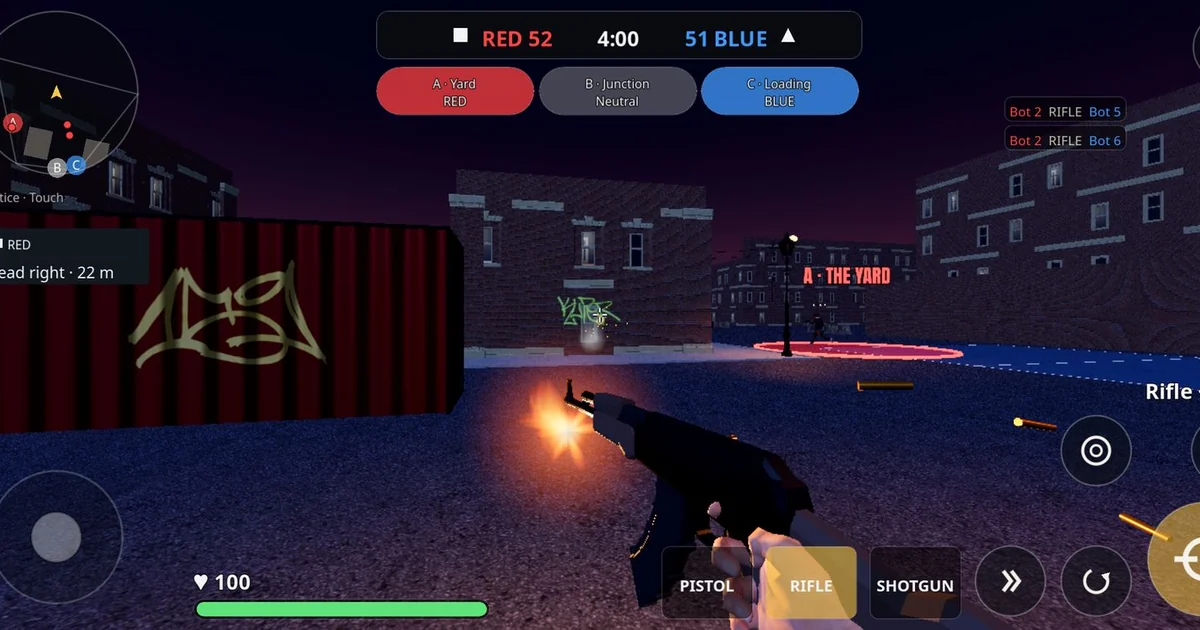
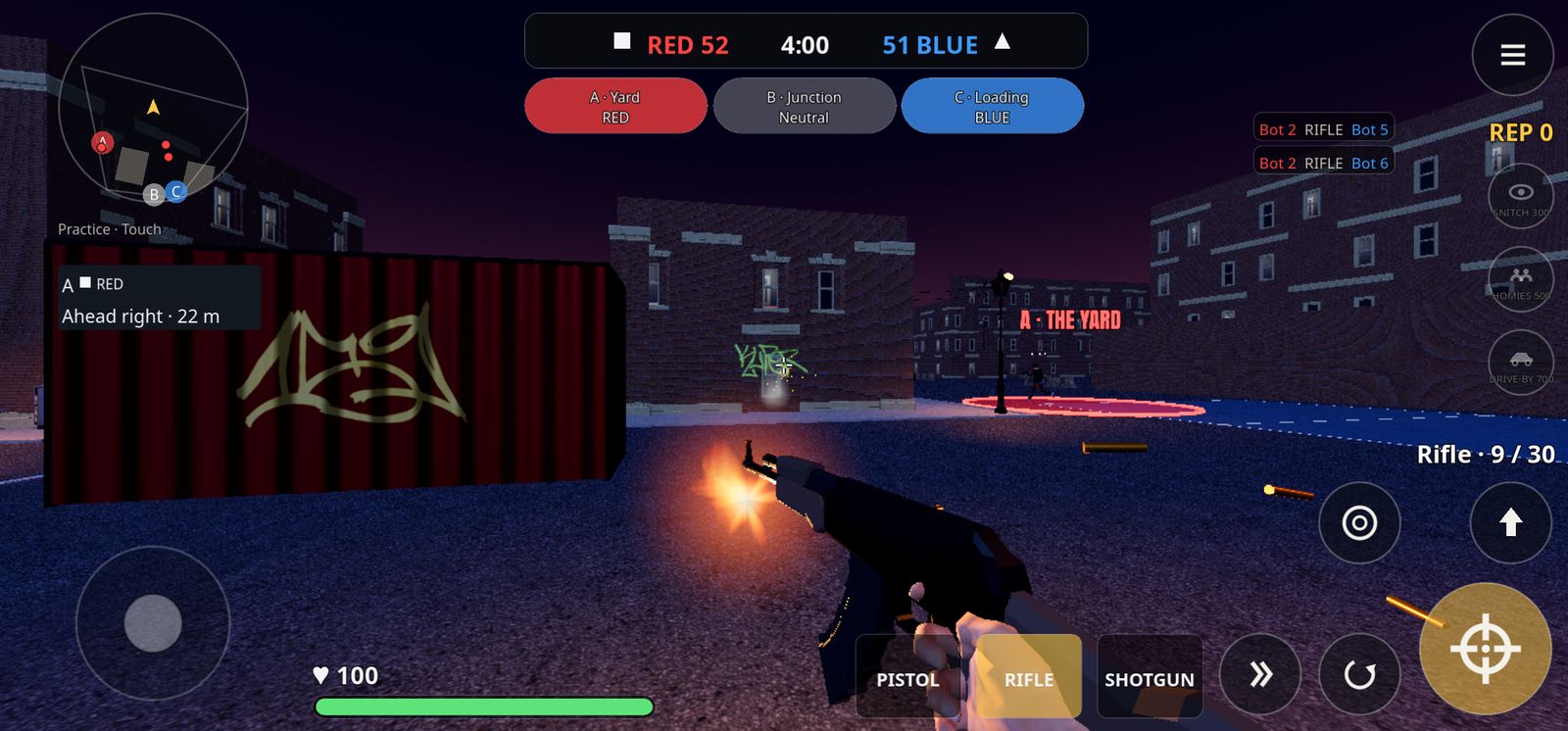
This guide is owned-network coverage from TechBlast UK, a publisher in our network that features Hood Warfare. It is not an independent third-party endorsement. Hood Warfare is a fictional 4v4 hood turf-war shooter for Android, made by ToddMichaelTV and distributed as an APK through the official website, hoodwarfare.net. Because it is sideloaded rather than installed from a mainstream app store, the install decision rests more on you than usual. The goal here is to explain how to check what the official page says, confirm your device meets the stated requirements, and understand the access terms before you tap install.
Start with the official source, not a copy of the file
Because Hood Warfare is distributed as an APK through its own website, the first safety step is making sure you are on the official site, hoodwarfare.net, and not a mirror, forum post or search result that claims to offer the same file. Type the address yourself or use a bookmark you created from a trusted origin. Be wary of links shared in chat groups or comment sections, since a file can be renamed or repackaged while still looking familiar.
On the official download page, read the version information before downloading anything. As checked on 2026-10-29, the public page lists v0.3.0-beta, build 74f1651, and an APK of roughly 290 MB. Write those details down or take a screenshot. If you later download a file whose size or version label does not match what the official page shows, stop and recheck the source. Those details are not a guarantee of safety, but a mismatch is a clear reason to pause.
Keep in mind that a beta label means the build is still being tested. Expect rough edges, and treat the version number as the reference point for any bug reports or troubleshooting you do later.
Confirm your device before you download
The official page lists Android 10 or newer on 64-bit devices. Check this in your phone's settings under the software information section before anything else. A phone running Android 9, or a 32-bit-only device, falls outside the stated requirements, and installing anyway may produce crashes or a failed install that is hard to diagnose.
Also confirm you have roughly 290 MB of free storage plus extra headroom for the game's data, since the APK size alone understates what the installed app will occupy. A quick storage check prevents a half-finished install that leaves partial files behind.
A practical checklist before downloading: confirm you are on hoodwarfare.net; confirm the listed version is v0.3.0-beta; confirm your Android version is 10 or newer; confirm your processor is 64-bit; confirm you have free storage well above the APK size; and confirm you are comfortable with a sideloaded install. If any item fails, resolve it first.
Understand the one-time unlock and what it covers
The official download page, as checked on 2026-10-29, lists a $1 one-time unlock for online play for new players, with no subscription. It also states that players who joined during the beta keep free access. Those are the terms as listed on that date, and terms can change, so read the current download page yourself at the time you decide. Do not rely on a summary from any source, including this article.
When evaluating a one-time unlock, ask specific questions. Does the price cover online play only, or the whole game? Is it charged through the official site or through a third party? Where does the receipt come from, and how would you request help if the unlock did not apply to your account? Save any confirmation or receipt you receive. Those answers matter more than the headline price.
Note also what is not confirmed. The page describes matches where bots fill empty slots, but it does not publish player counts, independent reviews, performance benchmarks or launch-success claims. Treat the game's real-world performance on your device as something to test rather than something promised.
Separate what is available from what is coming
The official site lists Turf War as available. It describes Free-for-All, Team Deathmatch and additional maps as coming in a next update. Those upcoming modes are not presented as released, so do not assume they will be in the build you install today. Check the official page again when a new version appears, and compare the version label to what you have installed.
A newer internal API or test build is not proof of a new public APK release. If you see references to unreleased code or test builds elsewhere, the public download page remains the reference point for what you can actually install.
Questions to ask before you tap install
Before installing any sideloaded game, work through a short set of questions. Where exactly did this file come from, and does the source match the official site? Does the version and size match the published details? Does my device meet the stated Android and processor requirements? Do I understand the unlock terms as currently listed? Am I comfortable granting the permissions the app asks for during setup, and can I review them in my device settings afterward?
If you cannot answer any of these with confidence, wait. Taking time to check the current release details is worthwhile. Keeping a short note of the version, date and source you used makes it easy to compare later and to report problems accurately. A simple habit of checking, installing and recording the details will serve you across any future Android game you sideload, not just this one.