Hood Warfare Camera Modes on Android: Choosing First or Third Person Wisely
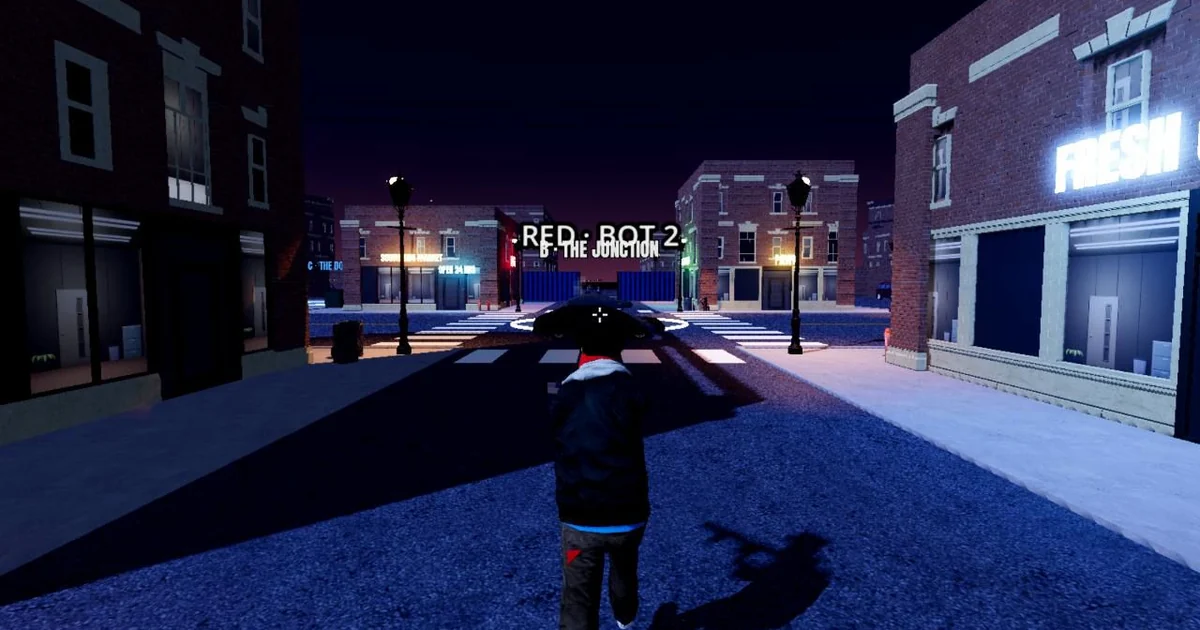
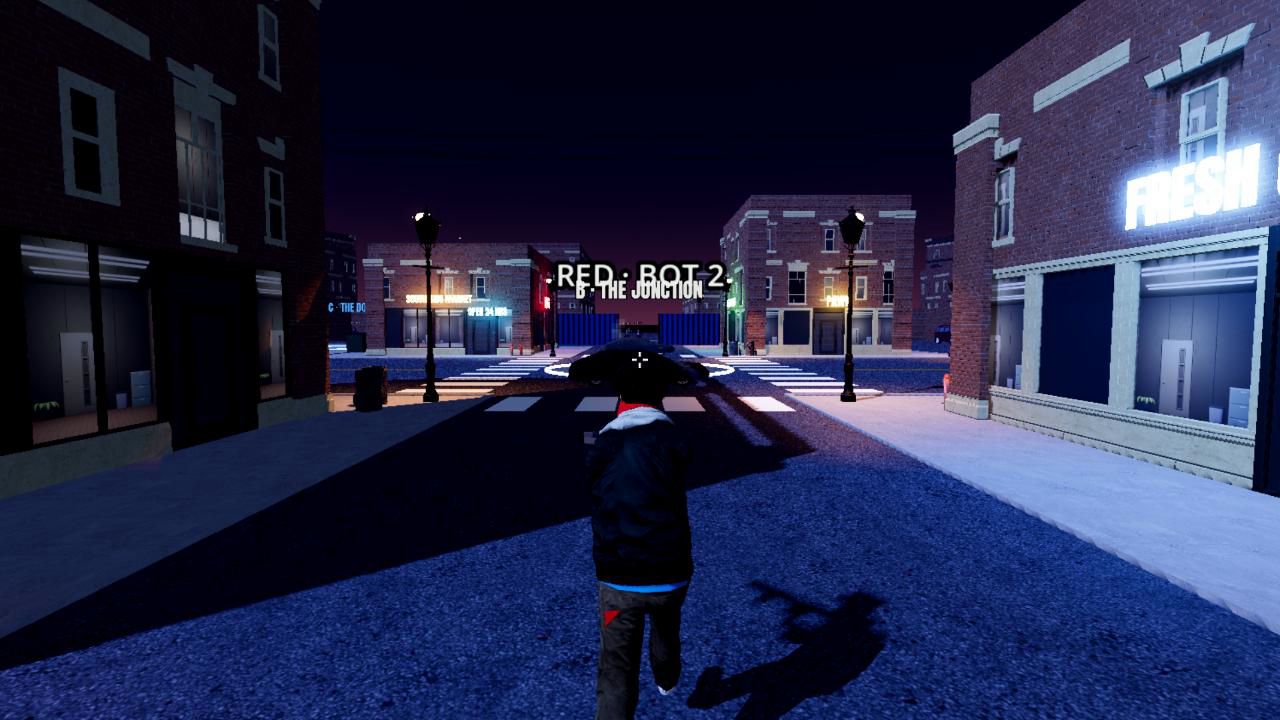
This guide is published by TechBlast UK as coverage of Hood Warfare, a brand in our publishing network. It is not an independent third-party endorsement. Hood Warfare is a fictional 4v4 hood turf-war shooter for Android, distributed as an APK through the official website, hoodwarfare.net. One of the features the official material describes is the ability to switch between first-person and third-person views during a match. That sounds simple, but choosing a camera perspective on a phone involves real trade-offs in awareness, aiming and comfort. This article explains how to think about those trade-offs and which questions to ask before you settle on a view. It does not claim any particular control setting, sensitivity value or hidden option exists, because the public information does not establish those details.
What the camera switch is and what it is not
The official material confirms that players can switch between first and third person during a match. That is the verified fact. Everything beyond it, such as exact field of view numbers, sensitivity sliders, or whether one camera receives different hit detection, should be checked directly in the game's own settings menu rather than assumed from outside sources.
It also helps to separate the camera from the rest of the match. The camera controls what you see. It does not change weapon statistics, and the official material states that cosmetics such as skins and outfits are presentation only and never change stats. Keep that distinction in mind as you test views: a camera choice is about information and comfort, not a hidden advantage built into the item you carry.
How to judge a perspective before a serious match
A good way to evaluate any camera mode is to test it in a low-stakes context first. Start a match, or whatever practice option the build presents, and spend several minutes moving through the environment. Pay attention to how quickly you can read your surroundings, how easily you can track a target that moves across the screen, and whether the view makes you feel disoriented when you turn corners.
Ask yourself a few specific questions while testing. Can you see your own character's position clearly enough to avoid walking into the open? Can you tell when a teammate is nearby? When you aim, does the view still show you what is at your feet and what is above you? Notice whether your reactions feel steady or whether you are constantly correcting your aim. These observations are more useful than any general rule about which perspective is superior, because they reflect how your hands, screen size and attention actually respond.
Trade-offs to weigh on a phone
A first-person view generally puts you closest to the action you are aiming at, which can make the crosshair feel directly connected to your intent. Many players find this helpful for precise shooting at close and medium range. The cost is that your view of the space around your character is narrower, so awareness of flanks and of your own silhouette in cover may take more deliberate effort.
A third-person view places your character on screen, which tends to make positioning easier to read. You can see how exposed you are behind a wall or corner, and you may find movement through tight spaces less confusing. The trade-off is that the aiming relationship is less direct, and some players find it harder to line up shots quickly on a small display. Neither view is objectively better for everyone. The right answer depends on whether your main difficulty is aiming or situational awareness.
Because Hood Warfare's modes emphasize quick matches, switching views mid-session can be tempting. Consider keeping one primary view while you learn the map, and only experimenting with the alternative once you understand the layout. Changing too many variables at once makes it hard to tell whether a problem comes from the camera, your grip, or a tactical decision.
A practical checklist before you commit
Before you decide on a camera for regular play, work through this list. First, confirm that you are using the official build from hoodwarfare.net and that the version matches what the download page lists, since build labels and internal test builds are not the same thing. Second, open the in-game settings and check for the camera option rather than relying on memory or secondhand descriptions. Third, play at least two sessions with each view on the same map, so that you are comparing like with like.
Fourth, note your own results honestly: which view made it easier to spot enemies, which made it easier to hit them, and which left you feeling least comfortable. Fifth, consider your device. A larger screen may make third person more readable, while a smaller screen may make the aiming reticle more central to your decision. Sixth, check whether any settings you change affect performance on your hardware, and if you notice frame drops, reduce other demanding options before blaming the camera itself. Finally, revisit your choice after a week. Familiarity changes how a view feels, and your first impression may not match your settled preference.
Remember the limits of this guide. It does not provide exact sensitivity recommendations, it does not promise that either camera will improve your performance, and it does not describe features the official material has not confirmed. The most reliable source for what your copy of the game actually does remains the game itself and the official site.